Readium
Readium is not just a place to keep a list of books. It is a reading log app built to save your actual reading time as sessions and let you revisit that history later.
This manual is based on the current app source code and implemented behavior, not on older internal design documents.
Core ideas
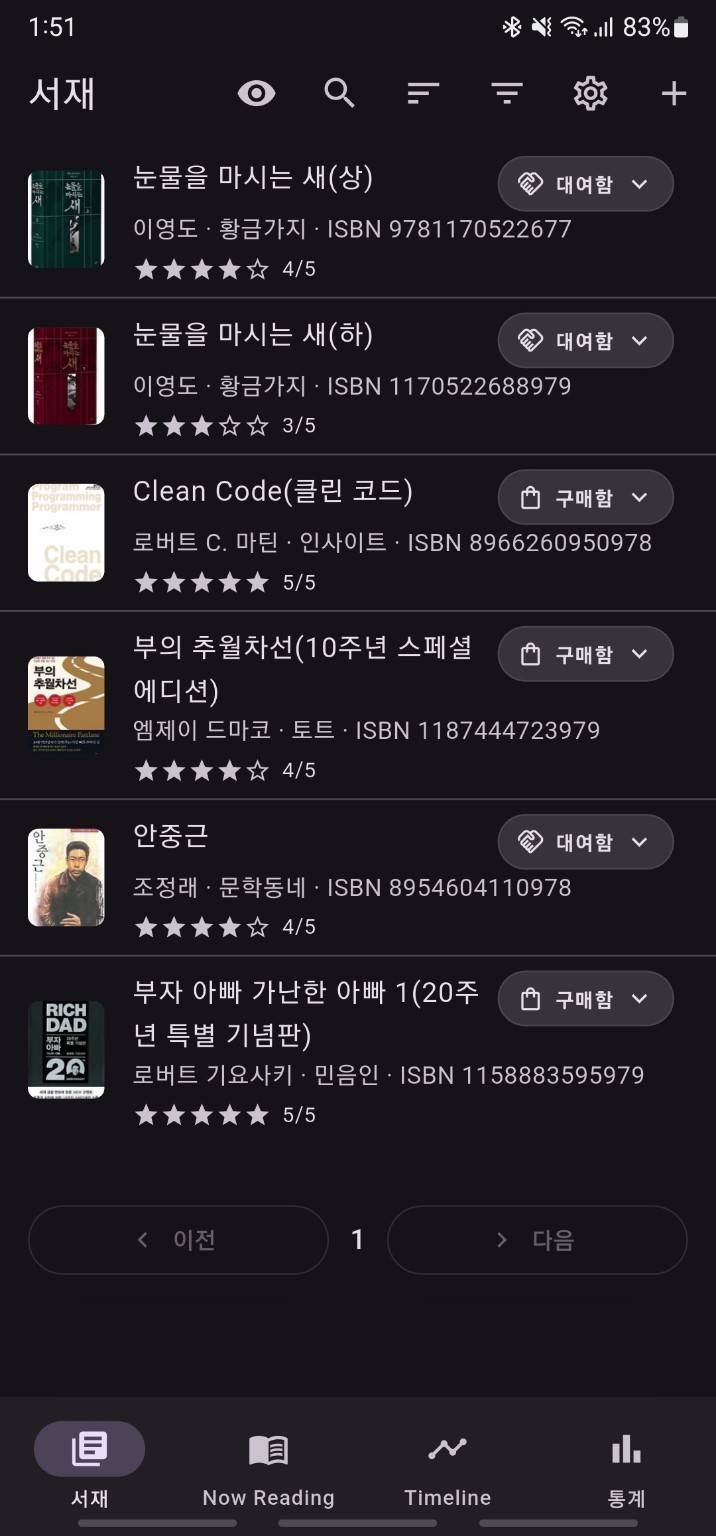
Library
Your Library stores the books you add. Each book can keep ownership status, rating, and catalog metadata, and the Library is the main entry point to each book detail page.
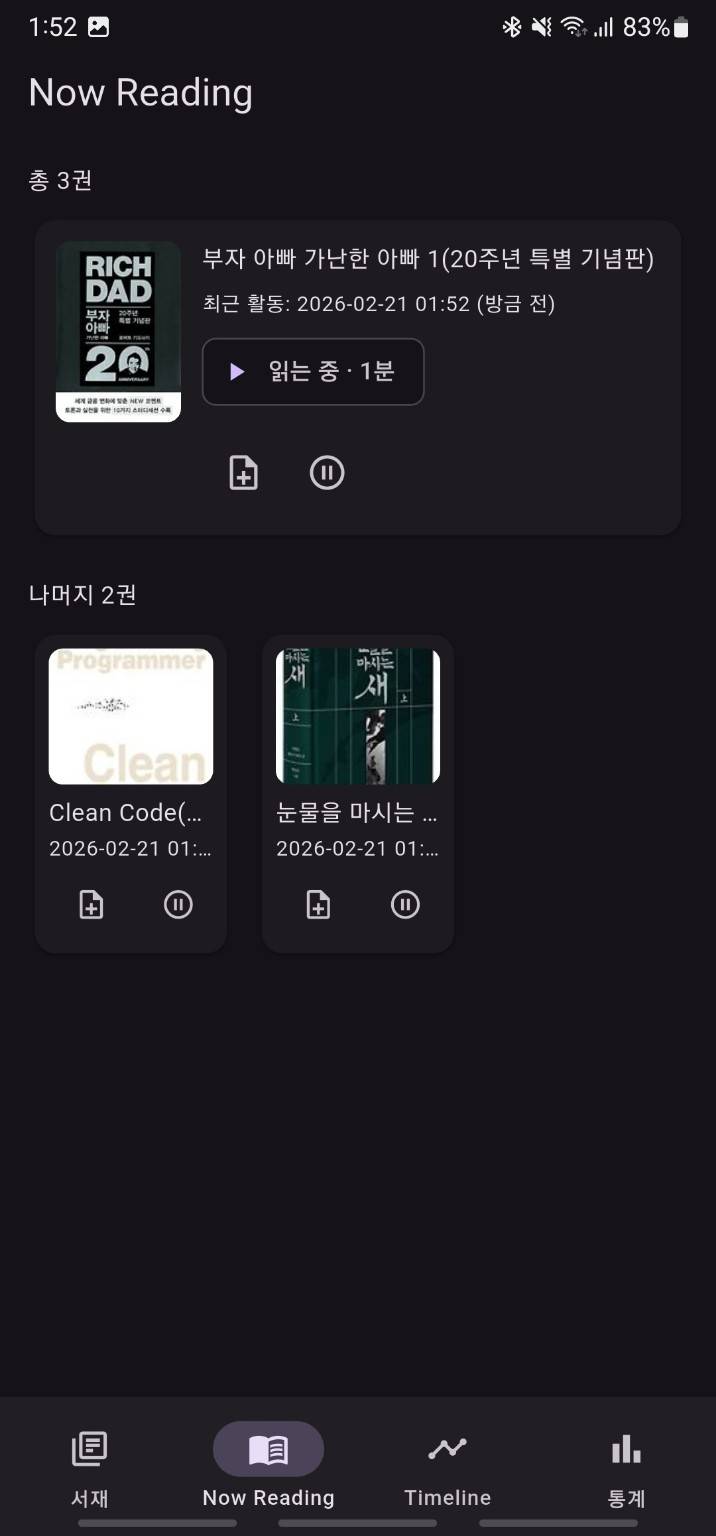
Now Reading
If you currently have books in progress, a separate tab lets you quickly start or end a session and add a session note.
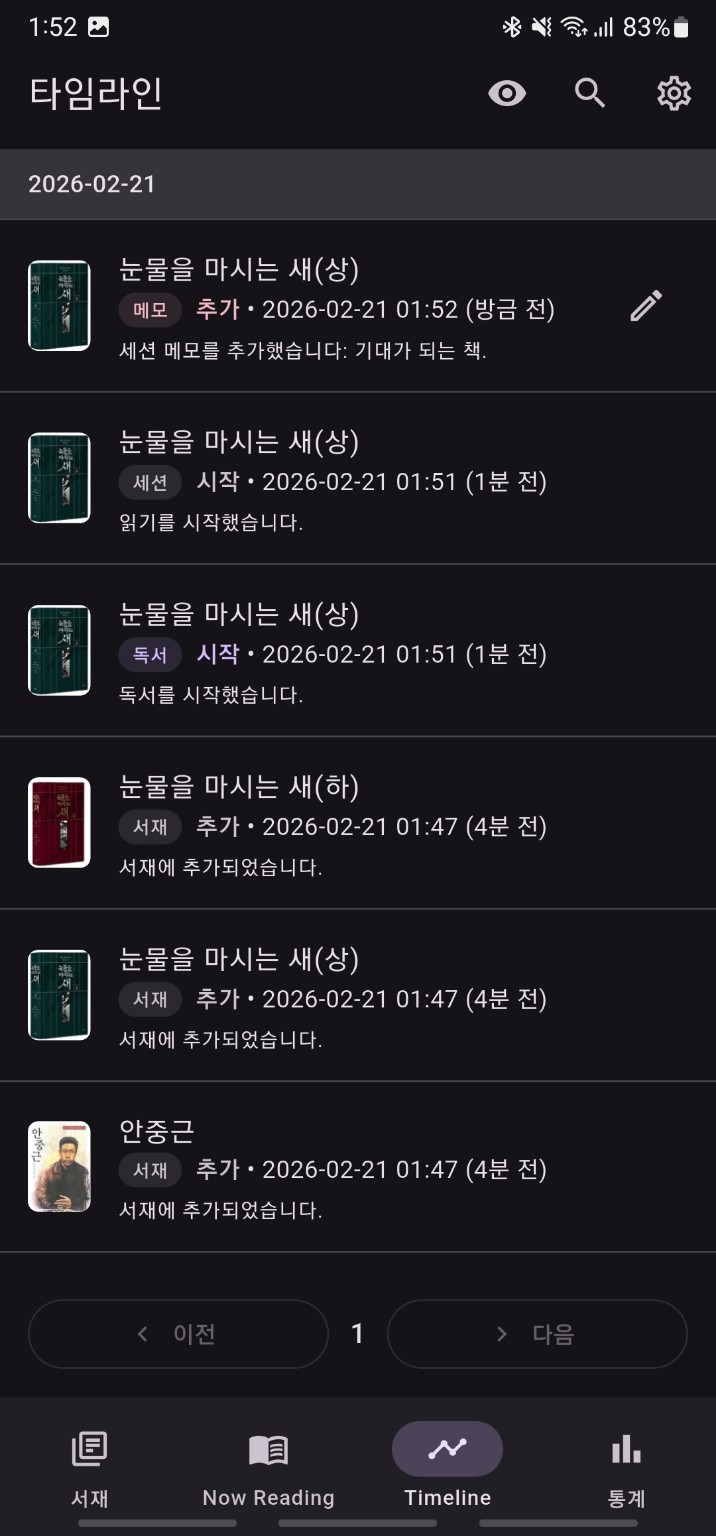
Timeline
Actions such as session start, session end, completion, abandonment, and note creation are collected in chronological order.
Notes
Readium separates two kinds of notes.
Book notesfor the book as a wholeSession notestied to a specific reading session
Local storage
Reading logs and notes are stored on the device by default. The app uses Firebase anonymous authentication and ad SDKs for supporting features, but the reading data itself is not uploaded to a Readium server.
Main app structure
The bottom navigation has four tabs.
Library: book list, search, sort, and filtersNow Reading: quick controls for books currently in progressTimeline: activity history and searchStats: total reading time and last 7 days summary
When the app launches, it opens Now Reading if there is at least one visible book currently being read. Otherwise it starts on Library.
Recommended flow
- Add a book to your Library.
- Start a session from the book detail page or
Now Reading. - End the session and enter progress.
- Add a book note or session note if needed.
- Review your history in Timeline and Stats.
The next pages explain each part using the current UI behavior.